Notist / Shopping list
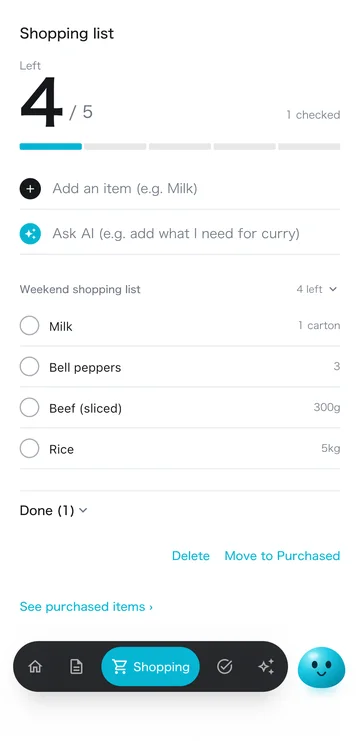
Add by talking, add from meal plans, move to Purchased when bought. Each in one tap.
All features free · No ads
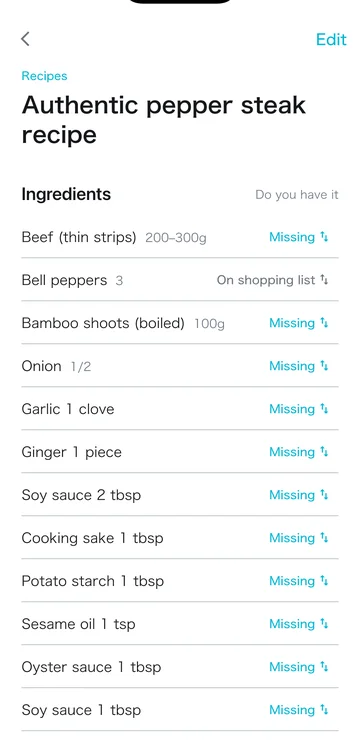
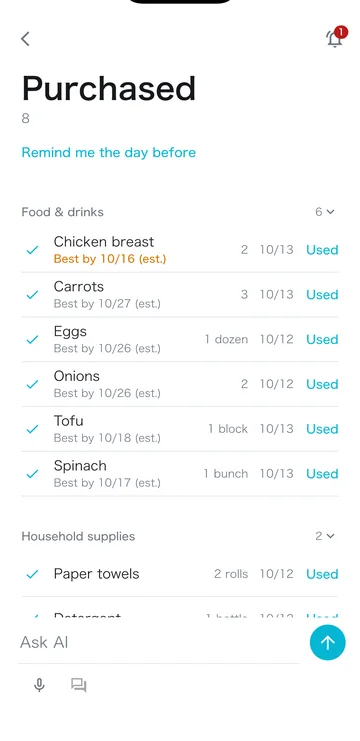
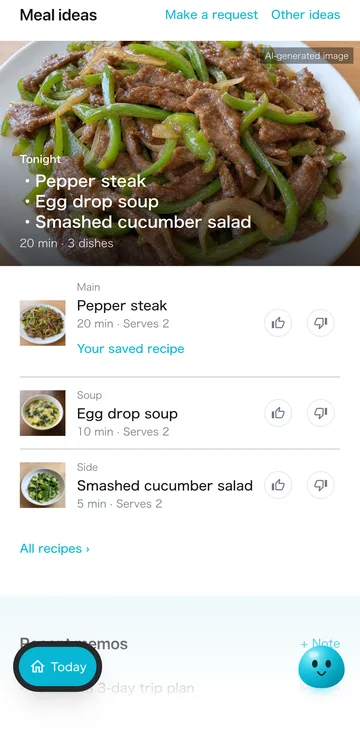
Missing meal ingredients go on the list. Bought items go to Purchased (what you have at home). The next meal plan starts from what you have.


Dish images are AI-generated illustrations
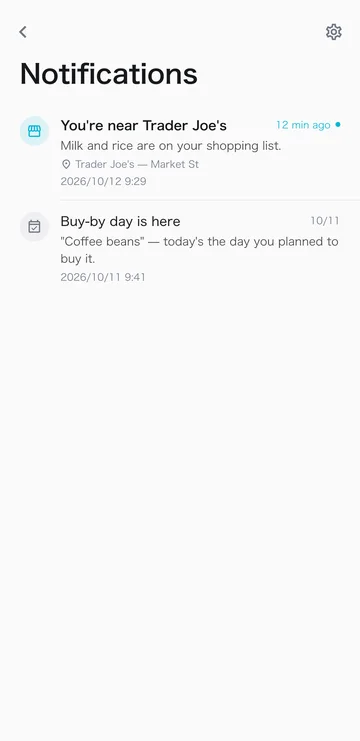
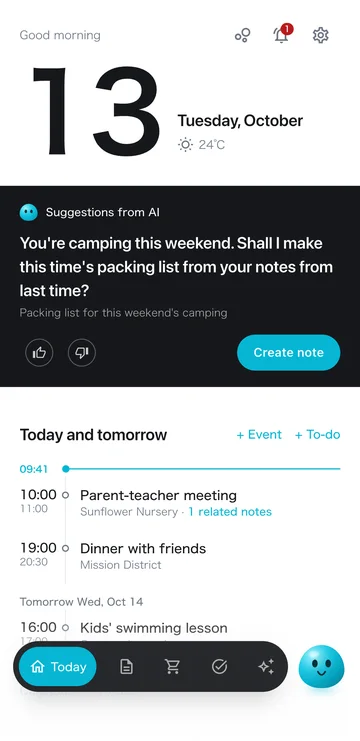
It notifies you when you're near a store, on the day you plan to buy, and the day before food you bought expires.

For a trip or an event, talk with the AI to decide what you need. Only what you don't have goes on the shopping list.
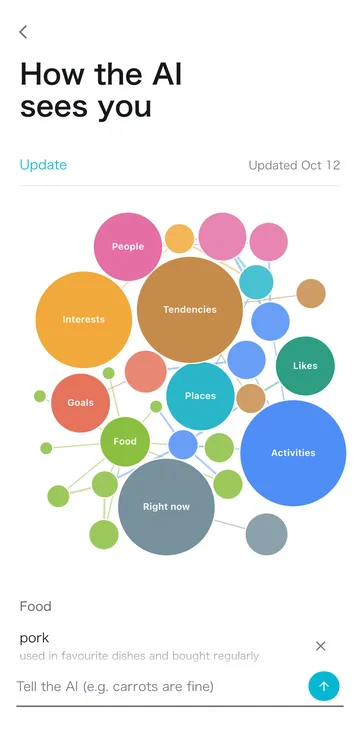
Your shopping list and what you buy help the AI put together what you're like. It uses that to suggest what to buy today, and in meal plans.


Add, edit, delete and check off by hand. Amounts and the day to buy, too. The usual actions all work.

Yes. Ask in AI chat or on the list screen, like “milk and eggs,” and it adds the items and amounts and sorts them into 6 categories.
Yes. On tonight's meal plan, add only the ingredients you don't have to the shopping list in one tap.
Checked items move to Purchased (what you have at home). It estimates a use‑by date from the purchase date and can remind you the day before. Clear them with “Used” once used.
If you turn it on in Settings, it notifies you when you get close to a store that sells items on your list.
All features are free, with no ads. AI use has a monthly allowance; even after you use it up, tonight's meal plan and today's suggestion still arrive every day. If you use the AI a lot, the paid Plus / Pro plans give you a larger allowance.
Plus raises the AI allowance when you need more. No ads.
Major update launchNov 4 – Dec 3, 2026
Start Plus in this period andyour first 1 month is free
For new users and current free users. After the free month, Plus renews monthly at the regular price. Cancel anytime.
Free · No ads · iOS 15+ / Android 7.0+
More use cases