Notist / Recipes & pantry
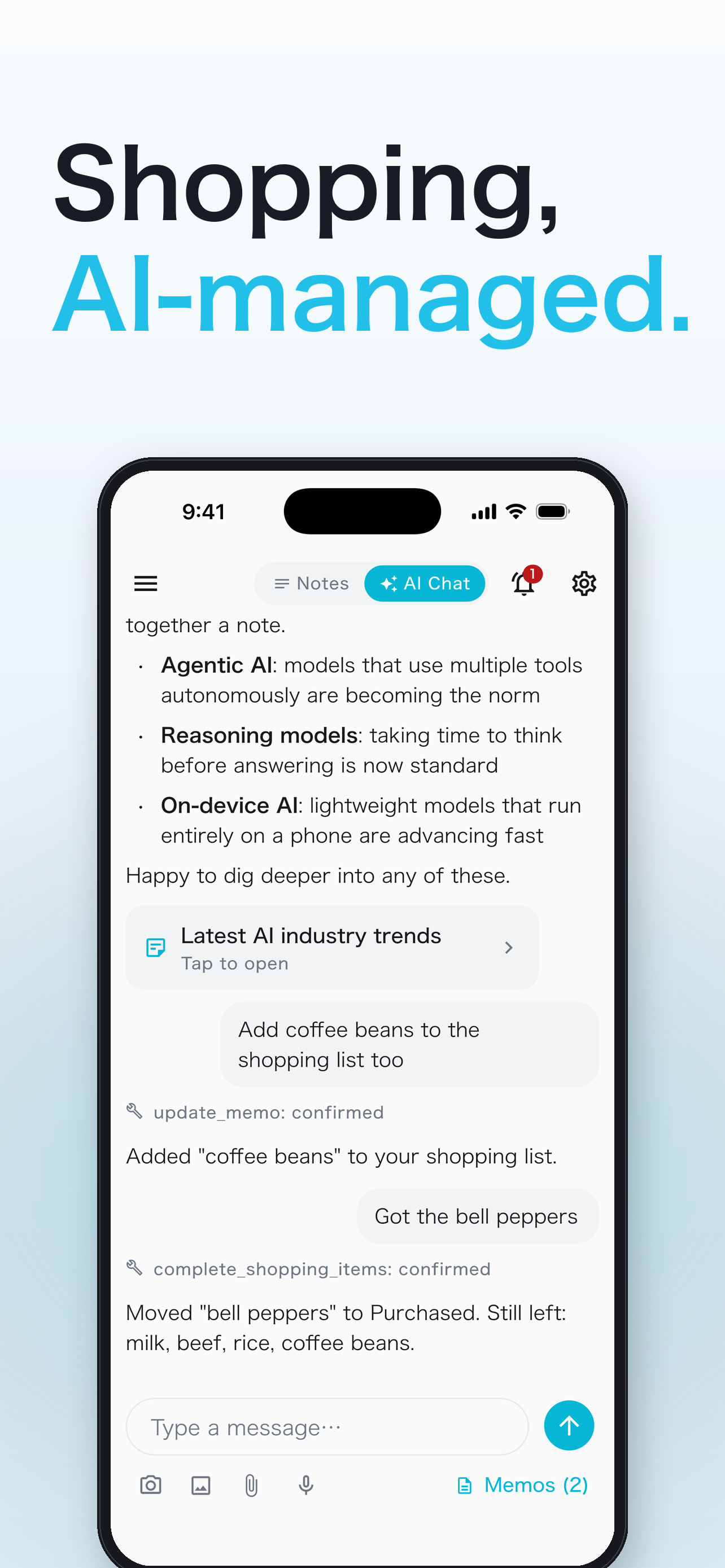
Groceries you buy stay on the Purchased list, and when you cook a recipe AI deducts what you used. No need to remember what's in the fridge.
Free · no ads · iOS 15+ / Android 7.0+
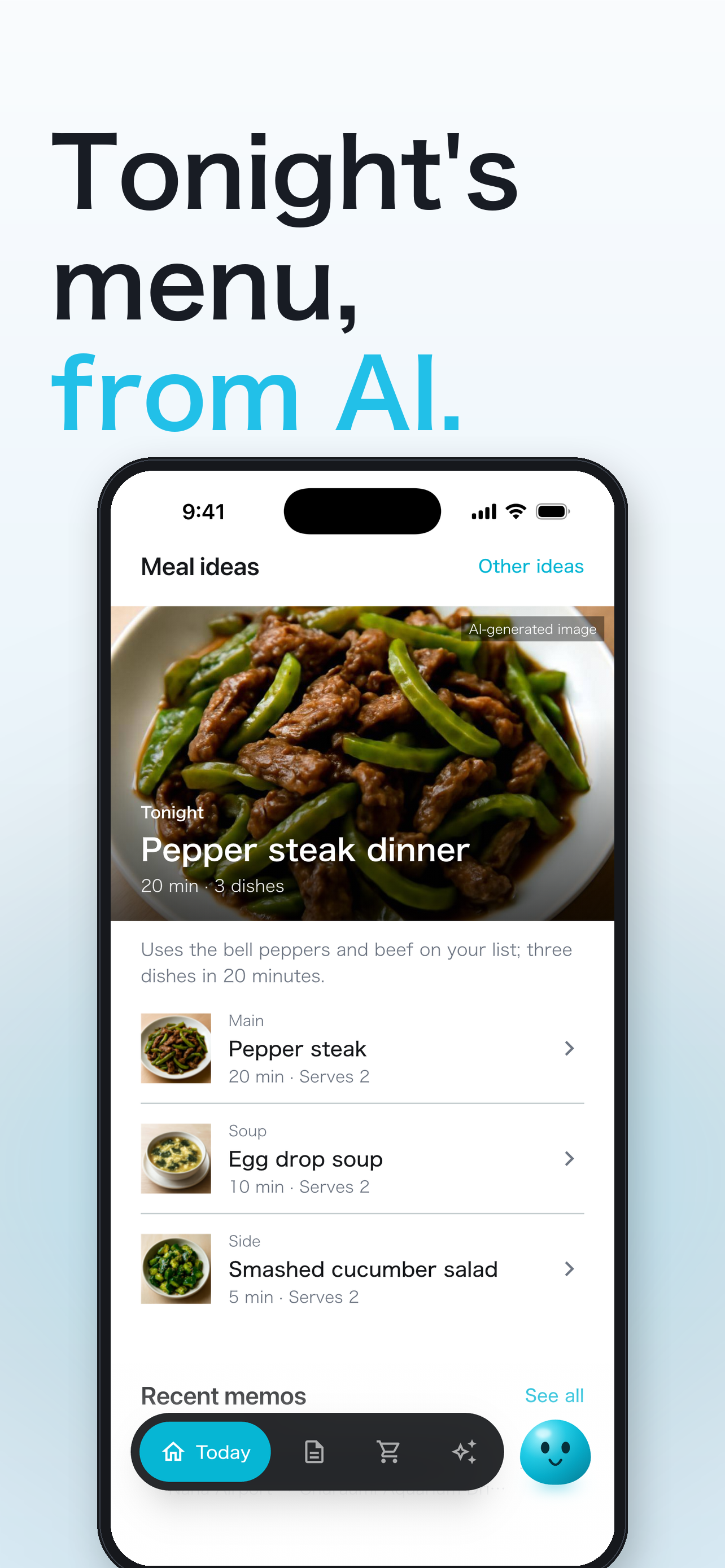
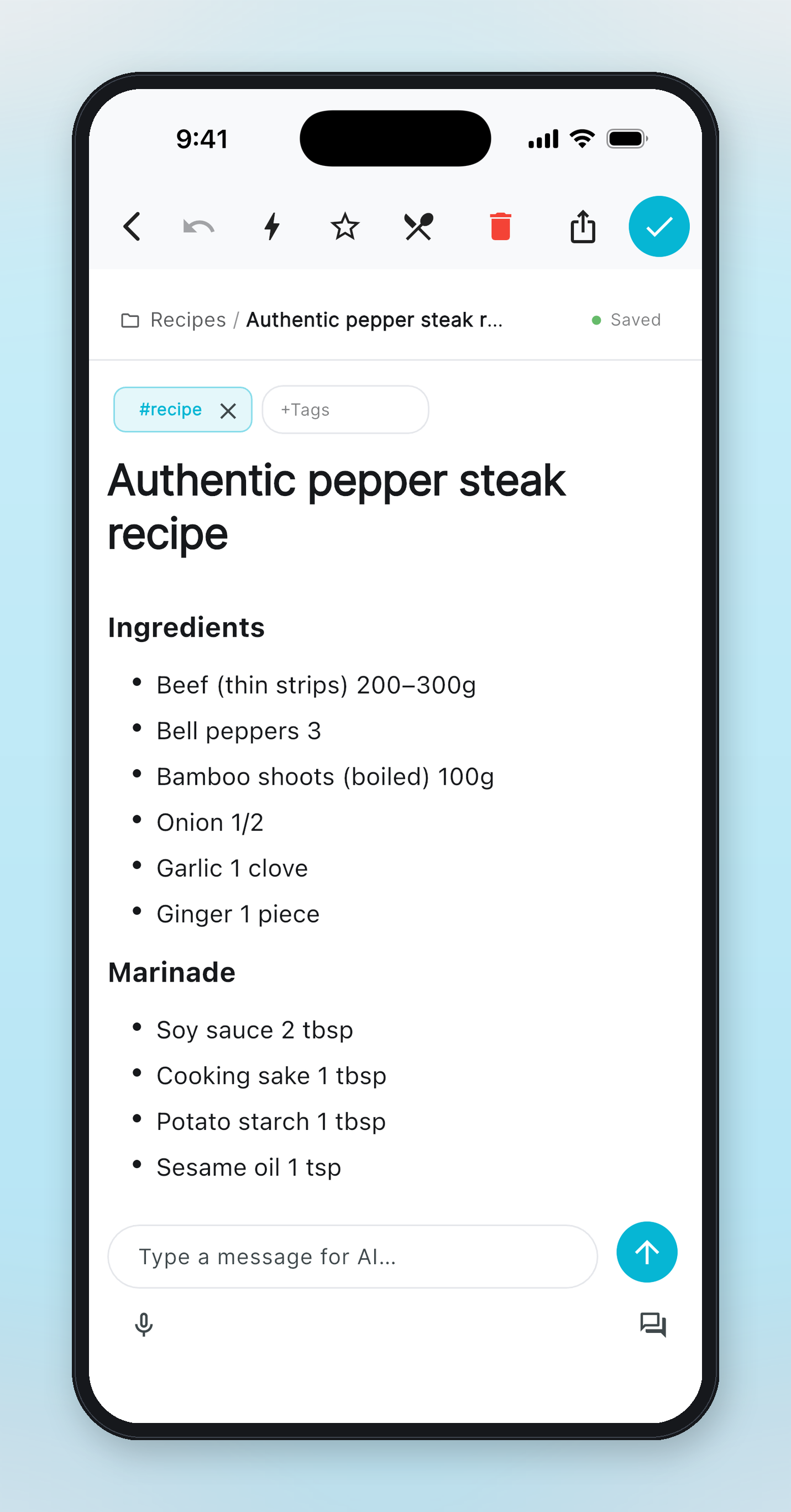
Ask "what can I make with what's in the fridge?" and dishes that use your Purchased items come first. AI looks up real recipes on the web and saves them as notes with ingredients, steps and source links. You can import recipes from the web, too.


Tap "Cooked" on a recipe and the ingredients you used are deducted from the Purchased list (remaining amounts included). Missing ingredients go to the shopping list in one tap.
"Plan dinner from what's in the fridge."
Suggested twice-cooked pork using the pork, cabbage and eggs in Purchased, and saved the recipe as a note.
"I made the twice-cooked pork."
Deducted the pork and cabbage you used from the Purchased list.
No. Items you check off on the shopping list become your Purchased list (your stock). You can also add to it in chat, e.g. "I bought 10 eggs".
Yes. Send the recipe URL in chat and it becomes a recipe note with tidy ingredients and steps.
Saving recipes and the shopping list are free. AI chat has a monthly free allowance.