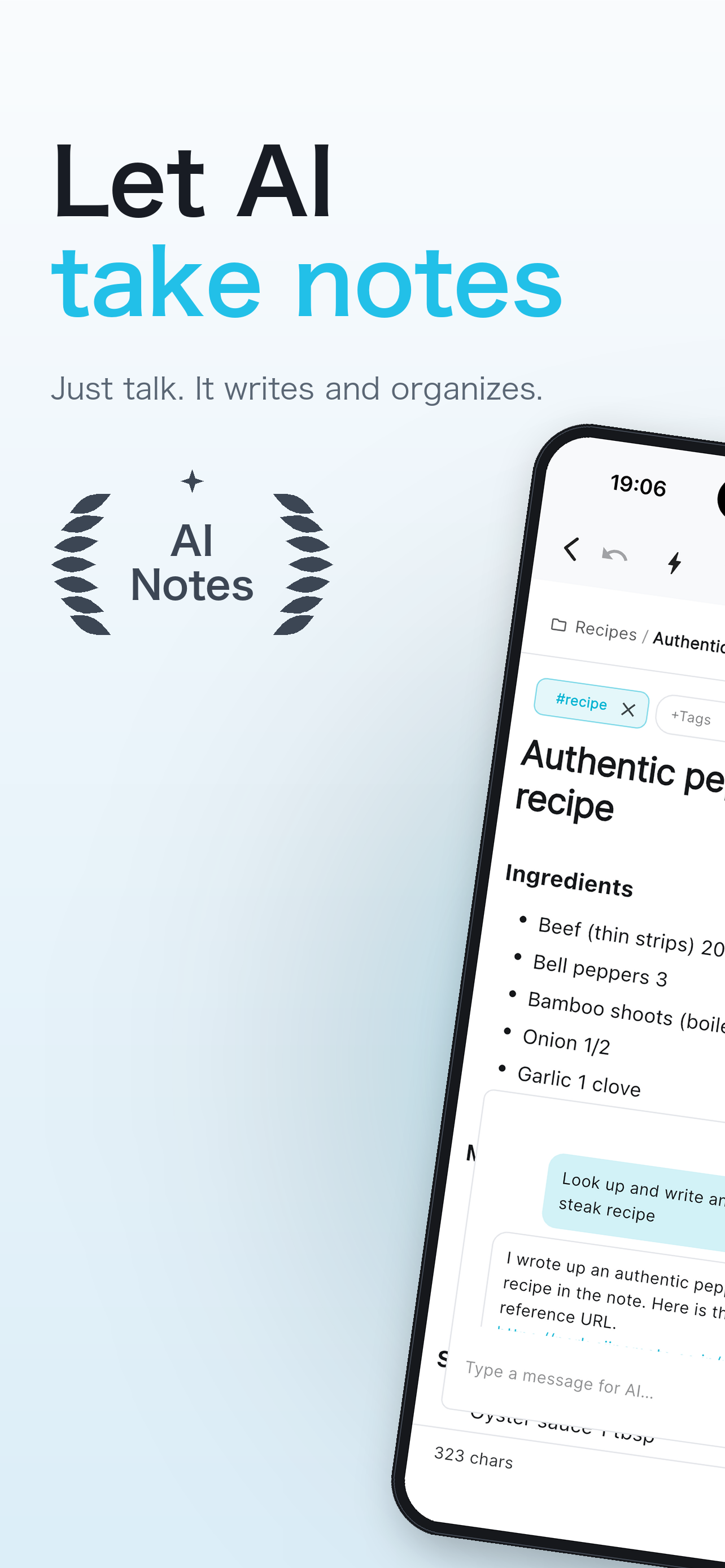
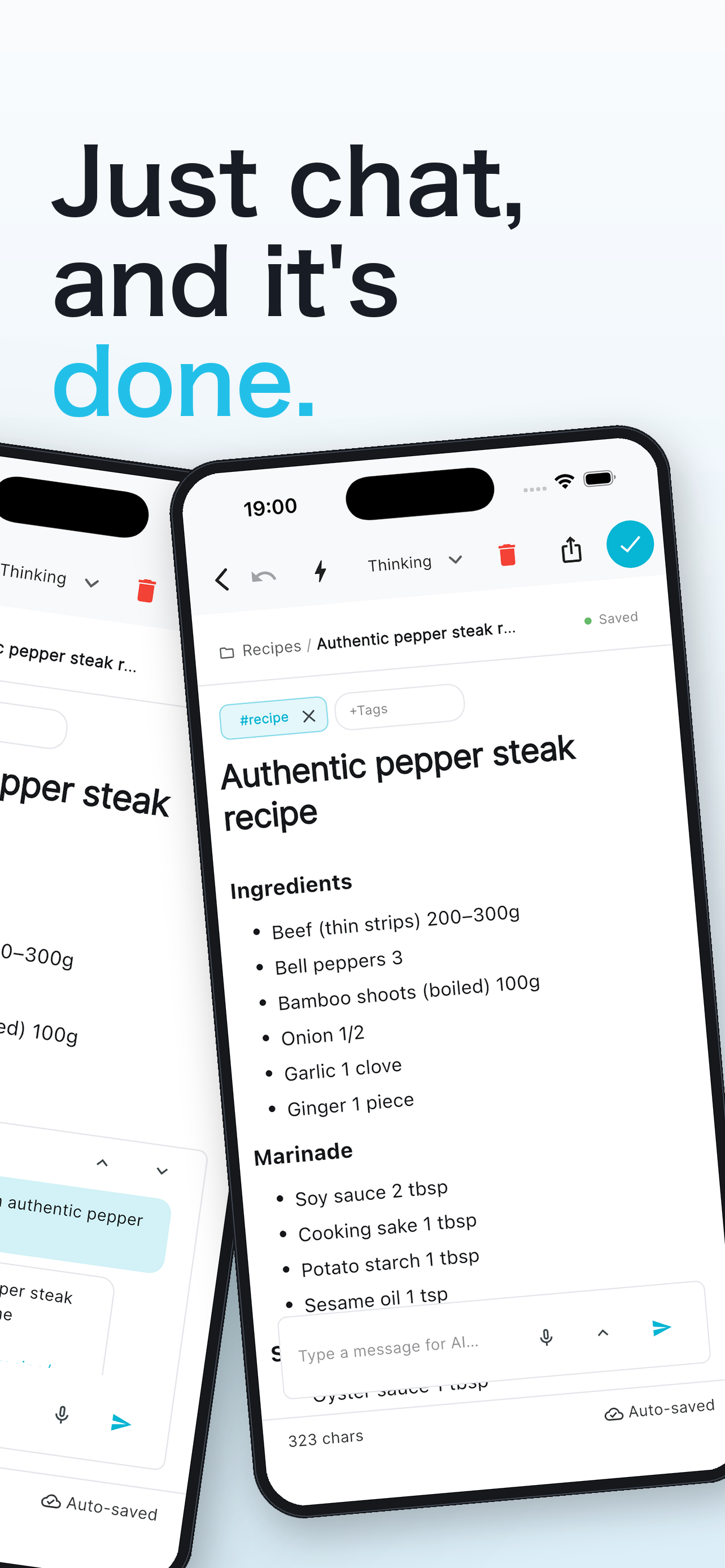
Create, edit, merge, research — even think out loud. Just ask in chat and AI does it for you. You stay focused on thinking.
Free · No ads · iOS 16 and later
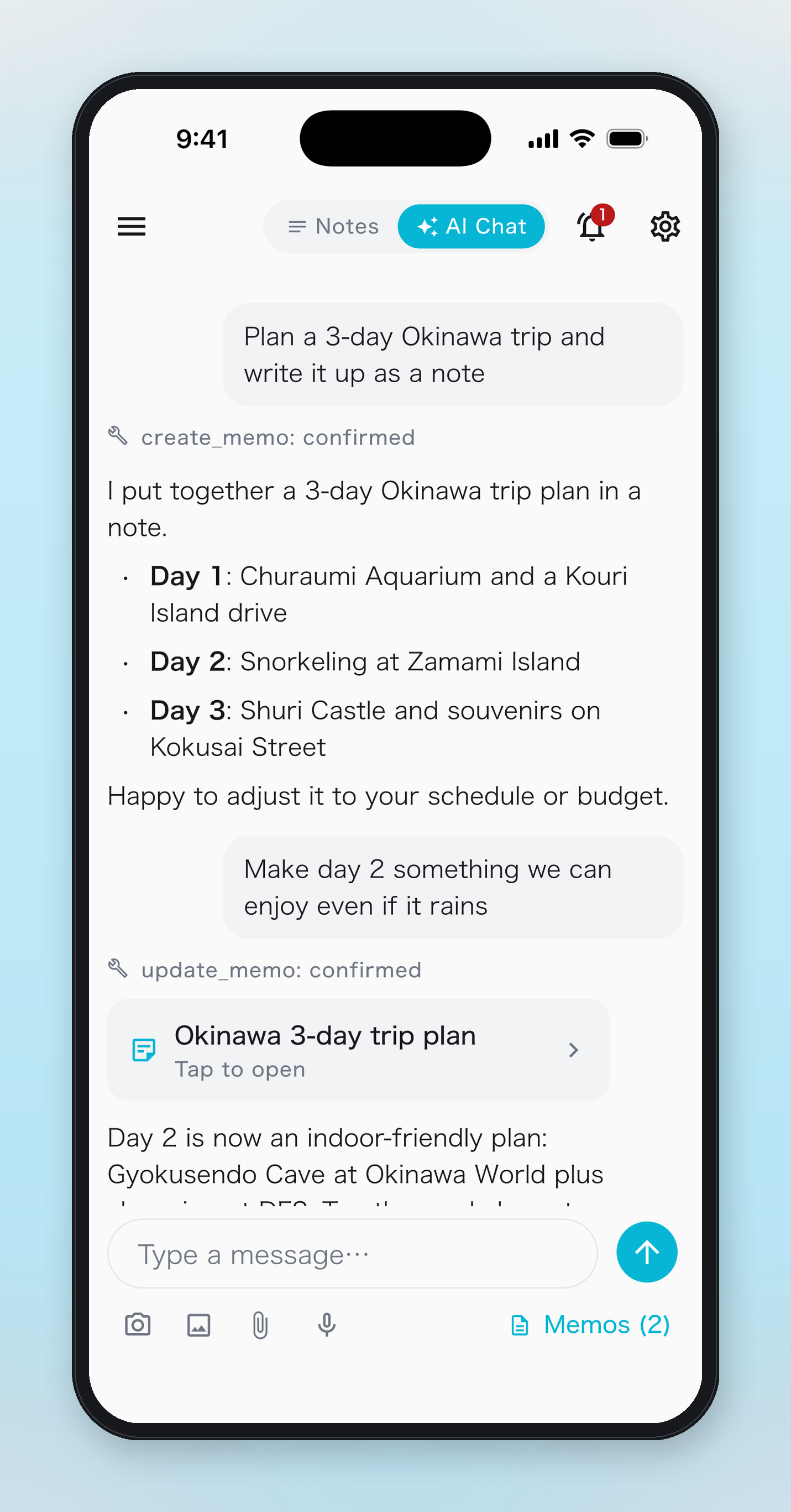
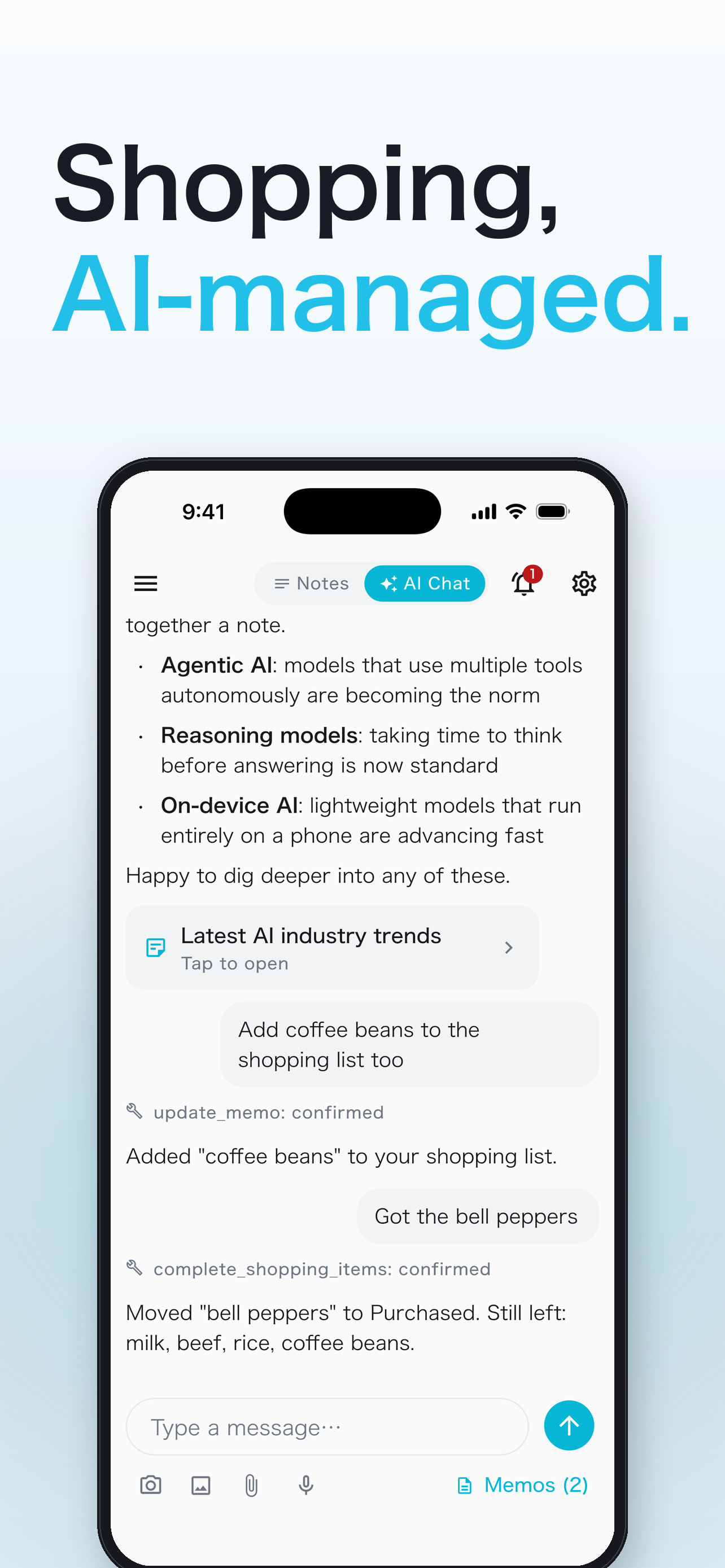
One tap on the home AI button takes you from your memo list into a dedicated chat view. Create and edit, review contents, merge duplicates, bounce ideas off a memo, research the web and save what you find — if it’s about your notes, just ask. The possibilities are endless.
Create, edit, review, and merge memos; talk through ideas; research the web and save the results. If it’s note work, chat handles it — and every change is previewed before you confirm.
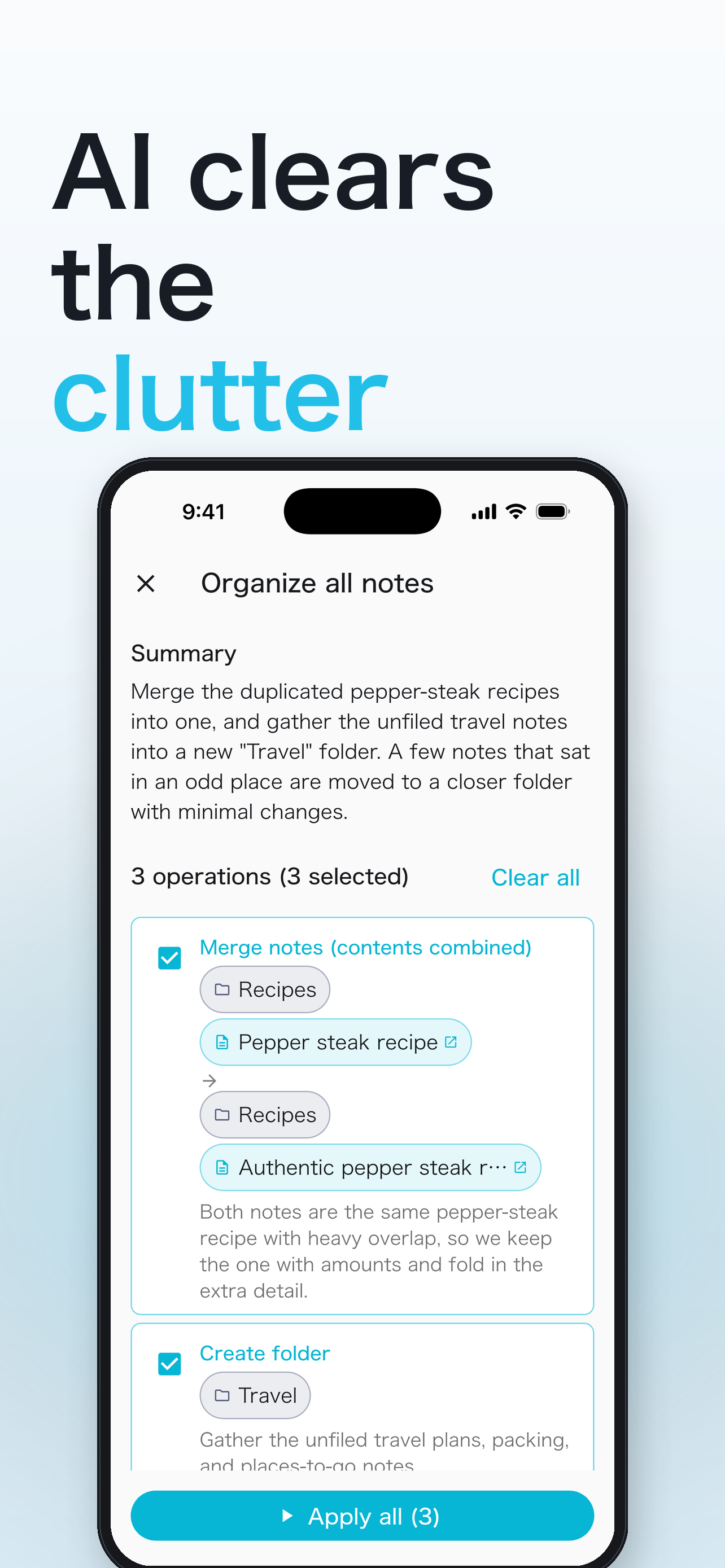
Folder creation, memo moves, merges, and rename optimization — proposed at once. Apply only what you pick.
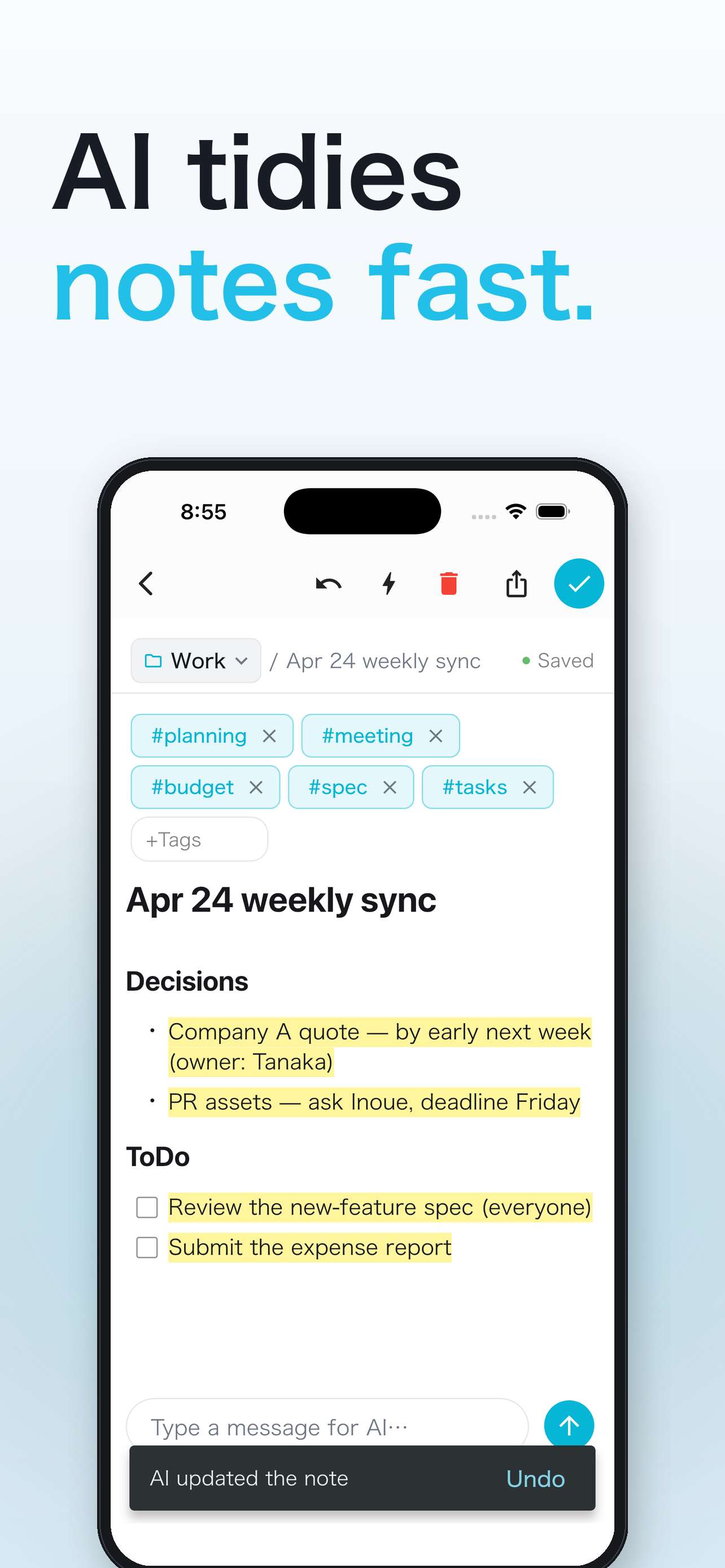
Tap the wand while editing — AI cleans up the prose, suggests a title, and picks the right folder.
AI understands what you said and turns it into a formatted memo. No typing required.
Hashtags surface related memos across folder boundaries, in one list. AI can auto-tag too.
Subfolders keep everything tidy — and AI files it all for you, so even deep hierarchies stay effortless.
AI reads your scattered memos and reorganizes them. Review the proposal and apply only the operations you approve.
Voice or chat, just tell the AI. It takes what you said and shapes it into a clean, well-formed memo.
“At today’s meeting, the quote from Company A will arrive next week, and Tanaka said he’d confirm Friday’s deadline for the PR materials.”
Decisions
AI chat, AI organize, voice input — every feature, free of charge.
Nothing in the way of your screen. Ever.
No in-app purchases or subscriptions.
Every feature is available from day one.
Local-first design. Your memos live on your iPhone, and cloud sync is optional. AI features require your up-front consent — no ads, no tracking.
Free · iOS 16 and later
iPhone / iPad
Scan with your iPhone camera
Bundle ID: com.gigacraft.notist · v1.2.0